
macOS Download
Installation Instructions
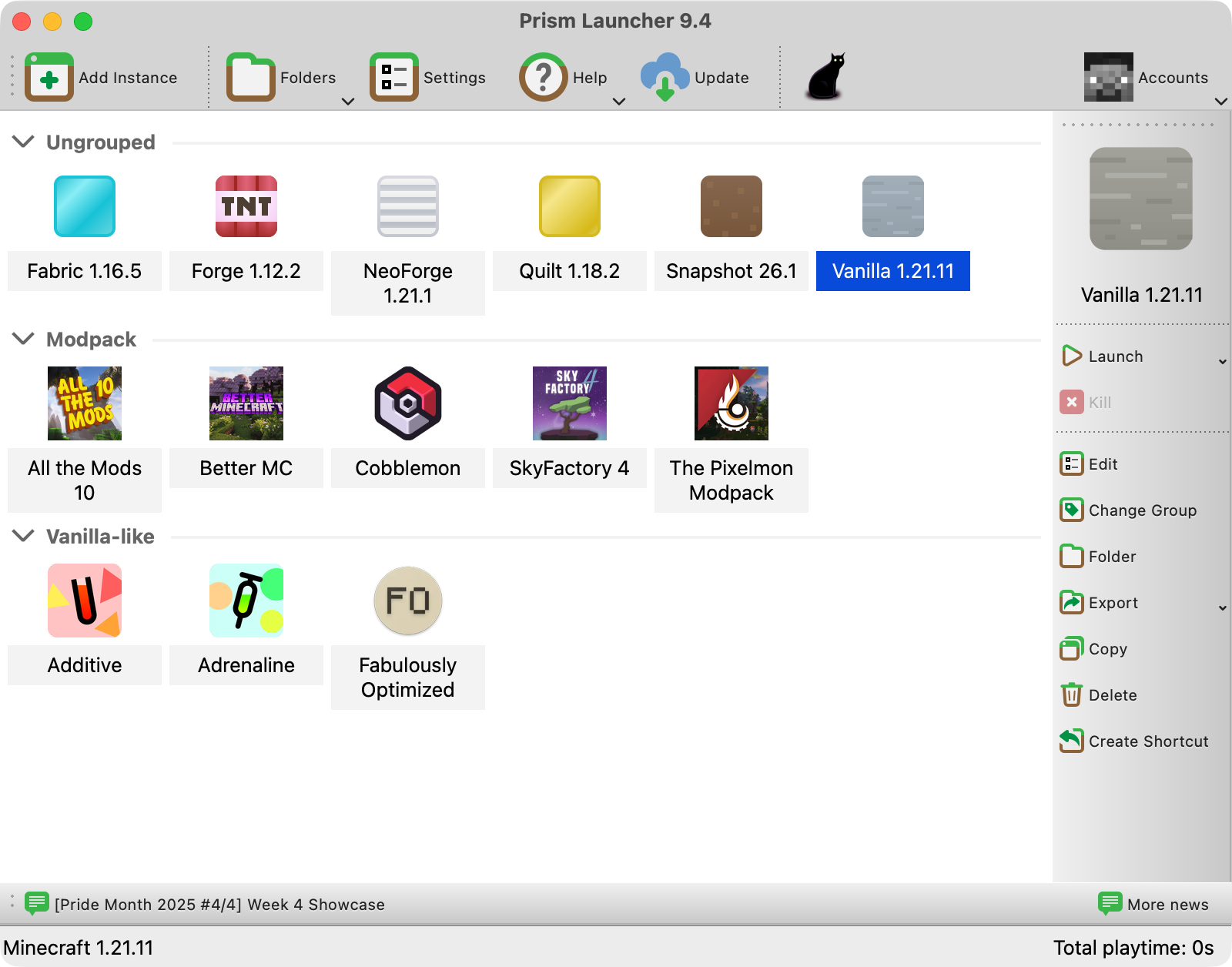
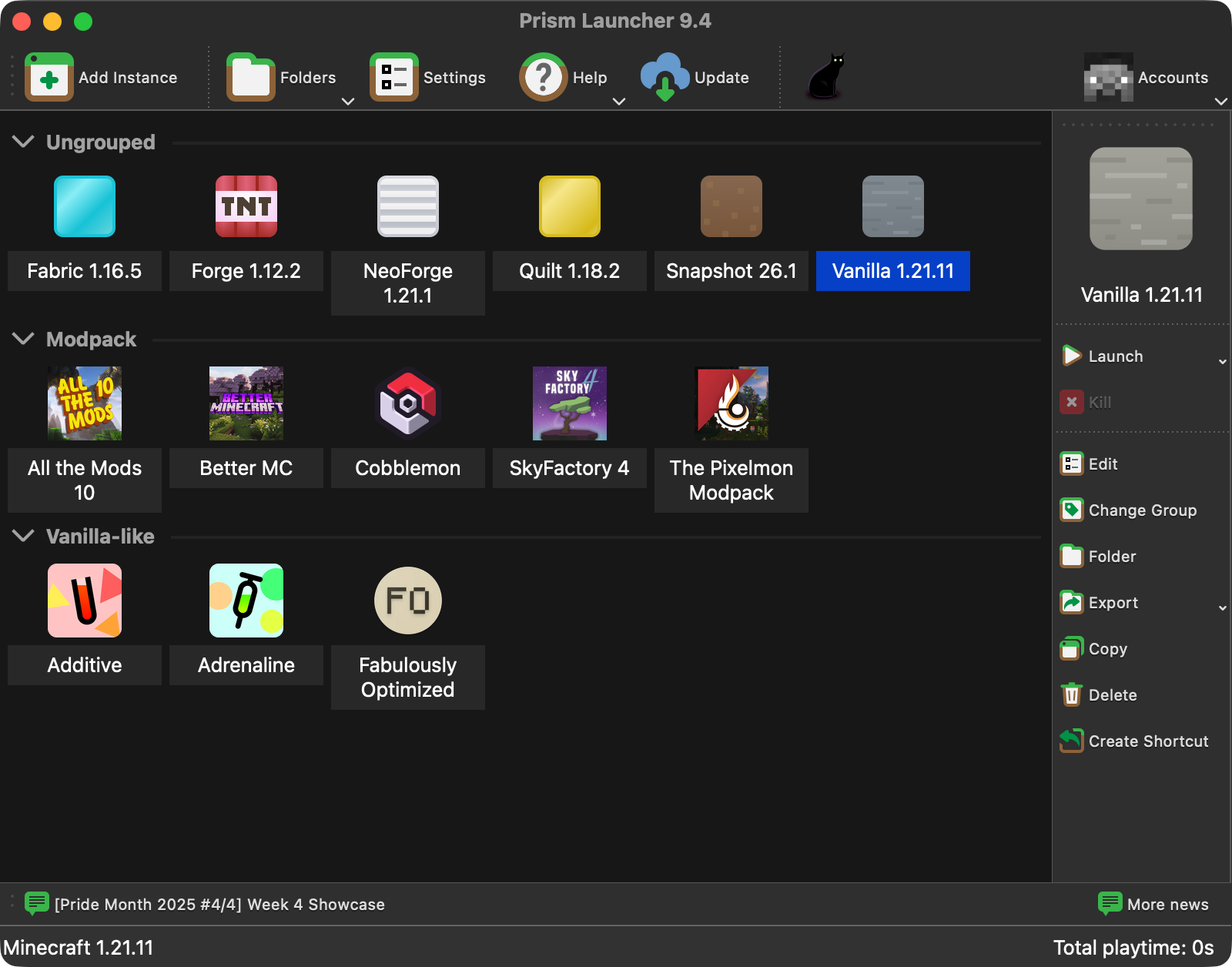
Download the .zip file, open it, and drag Prism Launcher to your Applications folder.
Prism Launcher only supports MacOS Monterey or later. If you don’t know which MacOS version you’re using, you can click the Apple logo in the corner and click “About this Mac”.
If your MacOS version is too old, you can use an older version of Prism Launcher, but keep in mind: these older versions are unsupported.
Advanced macOS Install Options
Homebrew
You can also install Prism Launcher via Homebrew:
brew install --cask prismlauncherMacPorts
Install through MacPorts is also available:
sudo port install PrismLauncherNix
See the Linux section for Nix information.